
All mailboxes together
Work and personal mail side by side, each with its own folders.
QX Mail is a desktop email client for macOS and Windows: connect Yandex, Gmail, Mail.ru or any IMAP/SMTP mailbox, read and search mail, filter unread and starred messages, write replies and keep drafts.
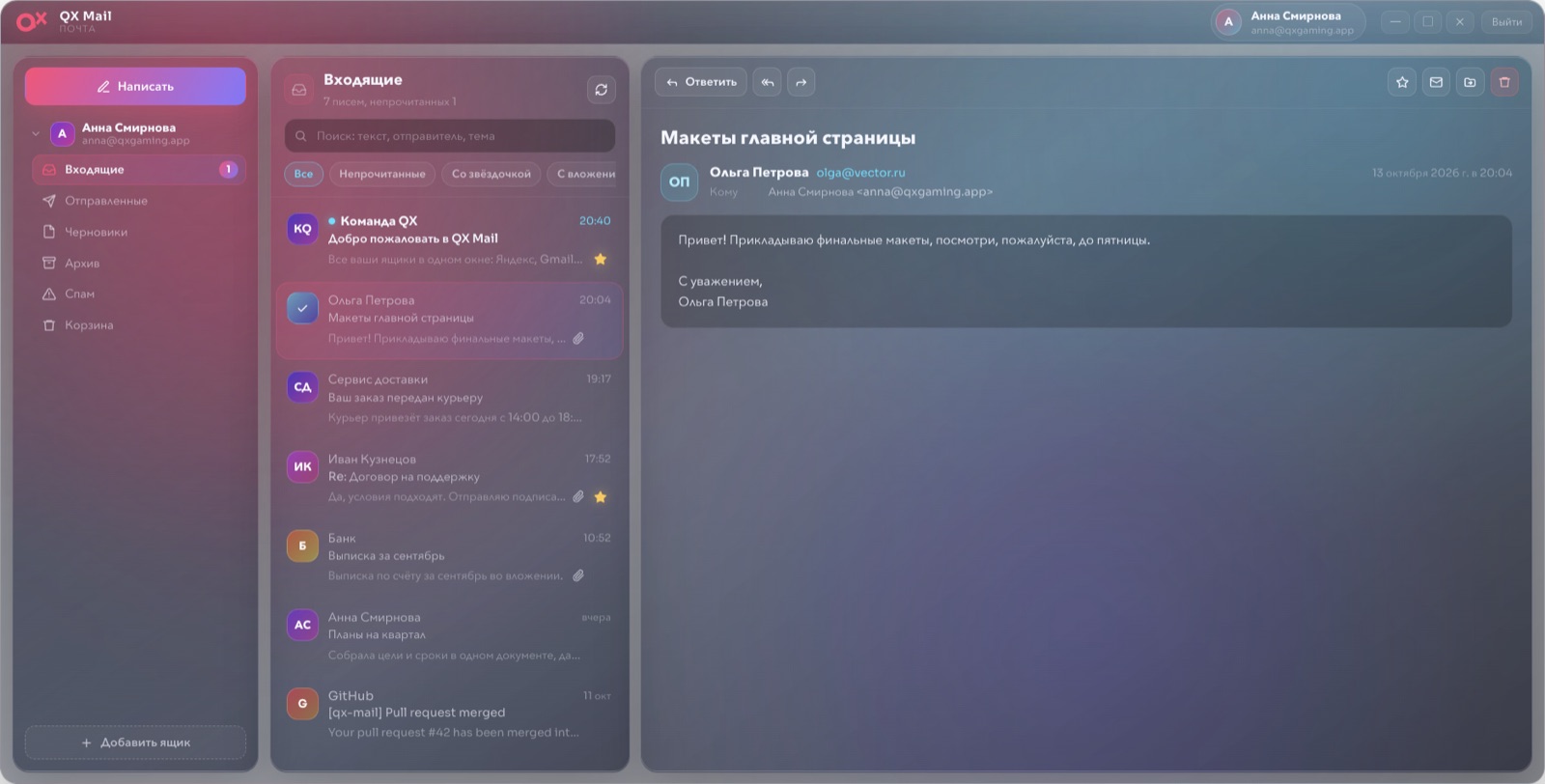

All your mailboxes in one desktop window.
Features and UI may change while we polish the experience.
Platform not detected — pick macOS or Windows
One QX account works in every QX app: QX Request, Mail, Disk, Tracker and Accounting.
Work and personal mail side by side, each with its own folders.
Pick Yandex, Gmail or Mail.ru — server settings are filled in for you.
Unread, starred and with attachments in one click, plus full-text search.
Compose, reply and forward, with drafts saved to your mailbox.
Arrow keys between messages, Delete to remove, multi-select with ⌘/Ctrl.
The same login as in every QX app.
We detect your platform and highlight the matching installer. Updates arrive automatically.
Platform not detected — pick macOS or Windows
Questions about the beta, installs, or account access can go to support.